
Turn any sound into an instrument
The most personal sound in your track is one nobody else has: your voice, the hum of your fridge, a tapped glass. With a tablet's microphone and SynthB you can record it and play it on the keys within a minute.
-
Record a clean, short sound
Find a quiet room and hold the tablet about 20–30 cm away. Tap record, make the sound, tap stop. A sustained note, like a hum, a bowed glass or a held guitar string, is the most flexible. A short hit, like a tap, click or knock, works best as a drum. SynthB normalises quiet takes and starts the region where the sound begins.
-
Play it on the keys with the sampler
Load the take into a Sampler channel and it plays across the keyboard, pitched from its root note. Set a loop region for sustained sounds so they hold as long as the key does.
-
Chop a phrase with the slicer
Record a spoken phrase, a beatbox or a loop and turn slices on. Cut by hits, and every syllable or hit lands on its own key. Then rearrange them in the piano roll.
-
Make a pad with granular
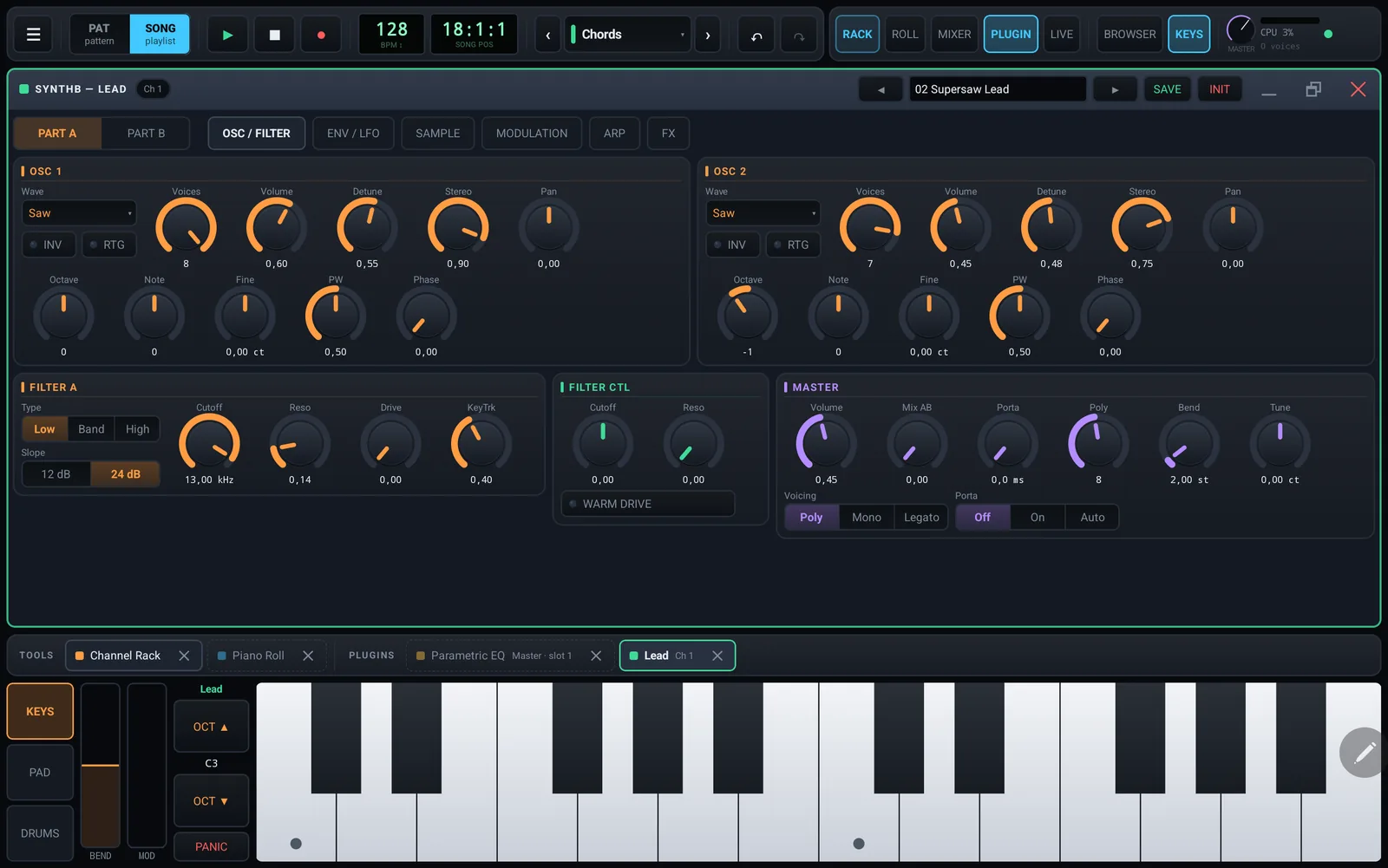
In the SynthB synth, set an oscillator to Granular and pick your take. The sound breaks into tiny overlapping grains. Spread the position and pitch and a one-second hum becomes an evolving pad. Density changes the texture, not the volume.
-
Turn it into a wavetable
Give the take to a Wavetable channel and it builds a table of waves from it. Sweep through the table with an LFO or an automation clip for a moving, unique tone.
Ideas to try
- Vocal chop lead: one sung "ah", sampled and played as a melody with a little glide.
- Kitchen kit: a pan lid as the snare, a fist on the table as the kick, keys shaking as the hats.
- Fridge drone: a granular pad from the fridge hum under a whole lo-fi track.
- Glass bells: a tapped wine glass in the sampler, with a long reverb, for a bell melody.
Go and record something
The sampler, slicer, granular oscillator and wavetable builder are all included. There is nothing extra to buy.