
Finish songs, and never lose one
An app you cannot trust with your work is an app you stop using. SynthB saves as you go, undoes a hundred steps, and exports a WAV of the finished song.
Export to WAV
From the project menu, export the current pattern or the whole song to a WAV file. The export renders faster than real time, on its own, from a clean start:
- It sounds the same whatever was playing when you pressed export.
- Automation, sends, side chains and every effect are in it, sample for sample as in the playlist.
- The metronome, the browser preview and live input stay out of it.
Share the WAV, put it in a streaming upload, send it to a collaborator, or master it elsewhere.
Autosave and undo
Every edit is saved a moment later, without a save button to forget. Undo goes back a hundred steps, and redo is next to it in the toolbar. A whole EQ drag or a whole note stretch counts as one step, not fifty.
Projects
Name a project and it appears in the browser's Projects folder. Tap one to open it. If the song on screen is untitled, SynthB asks first so it is not lost. Saved, renamed and deleted projects update the browser at once.
The browser
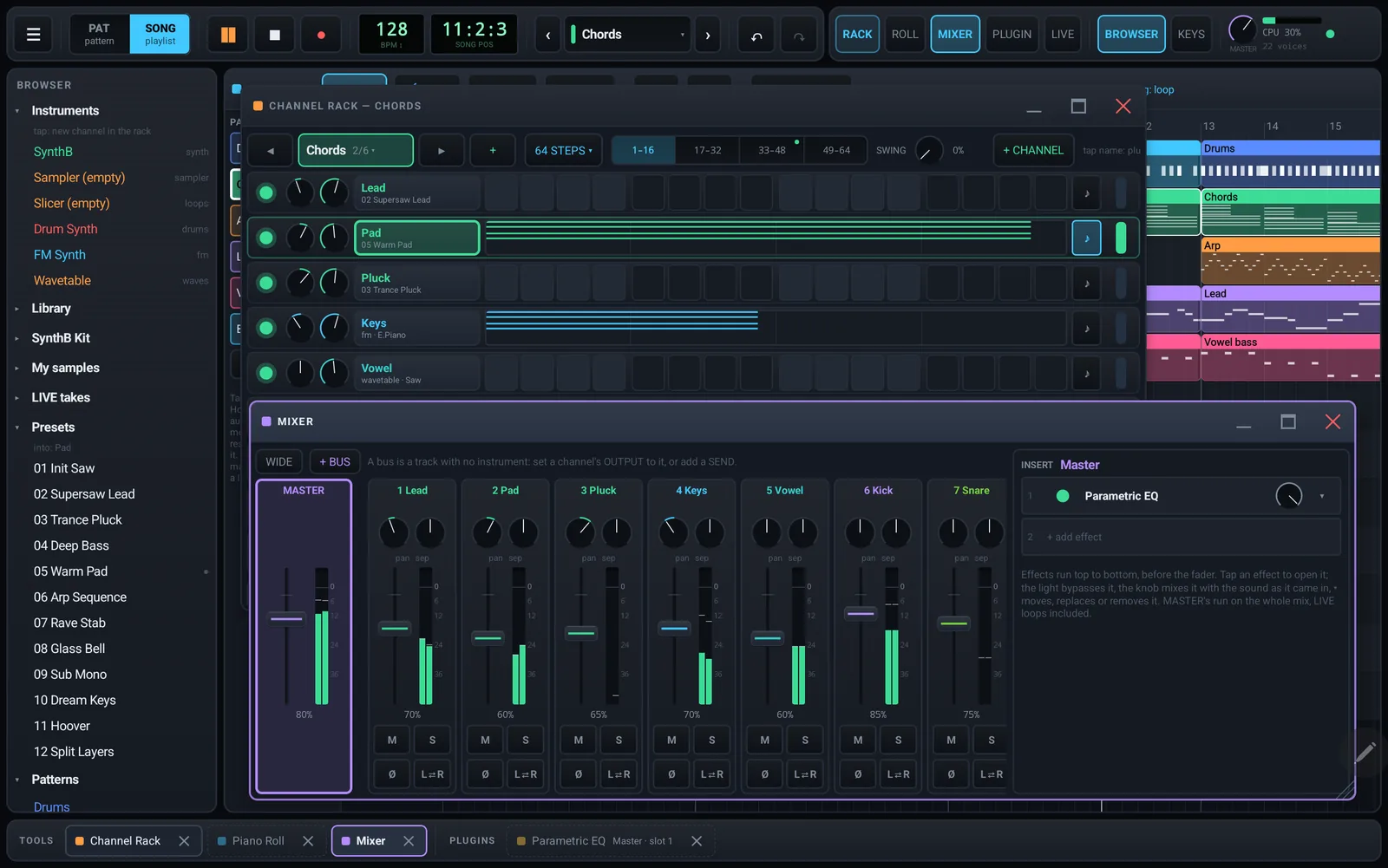
On the left of the screen: instruments to add, the sample library and your own recordings, takes from the live looper, presets, patterns and projects.
Presets that age well
Synth presets store real values, such as hertz, seconds and decibels, and only what differs from the default. A preset made in an early version still loads in a later one, and a preset remembers the samples and loops it was made with.