
Turn loops into a song with the playlist
A loop is not a song. In the playlist you lay patterns out in time, add audio clips next to them and draw automation that moves while the track plays.
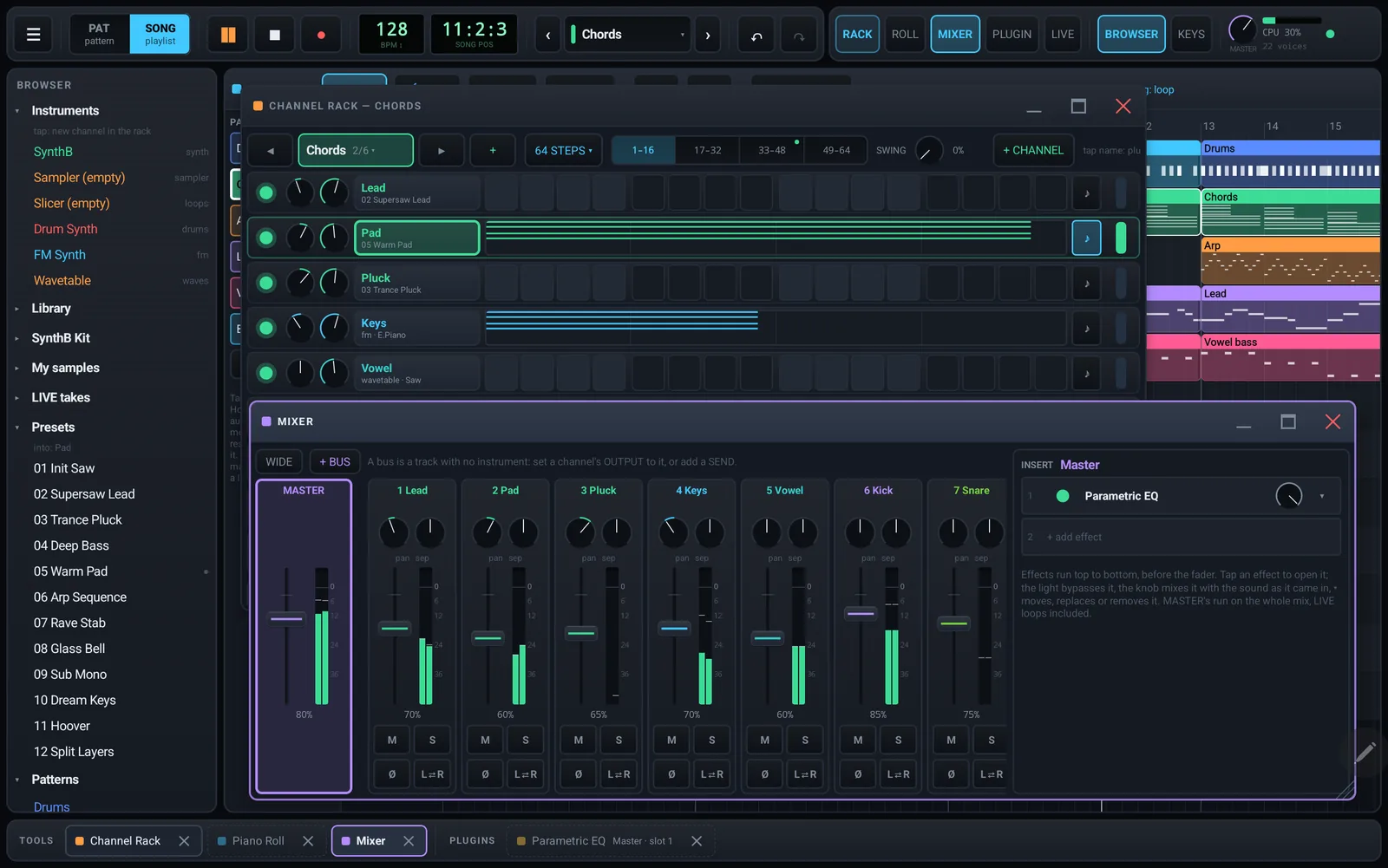
Twelve tracks, three kinds of clip
The playlist is the background of the SynthB workspace. The channel rack, piano roll, mixer and instrument windows float over it. You can move them, maximise them, keep several open or close them all to see the whole song.
- Pattern clips. Place any pattern on any track. A clip loops its pattern up to its own length, so a one-bar drum loop can run for sixteen bars from a single clip.
- Audio clips. Drop a recording or an imported file straight into the arrangement. Press play in the middle of a clip and the audio starts from that point. It does not wait for the next clip to begin.
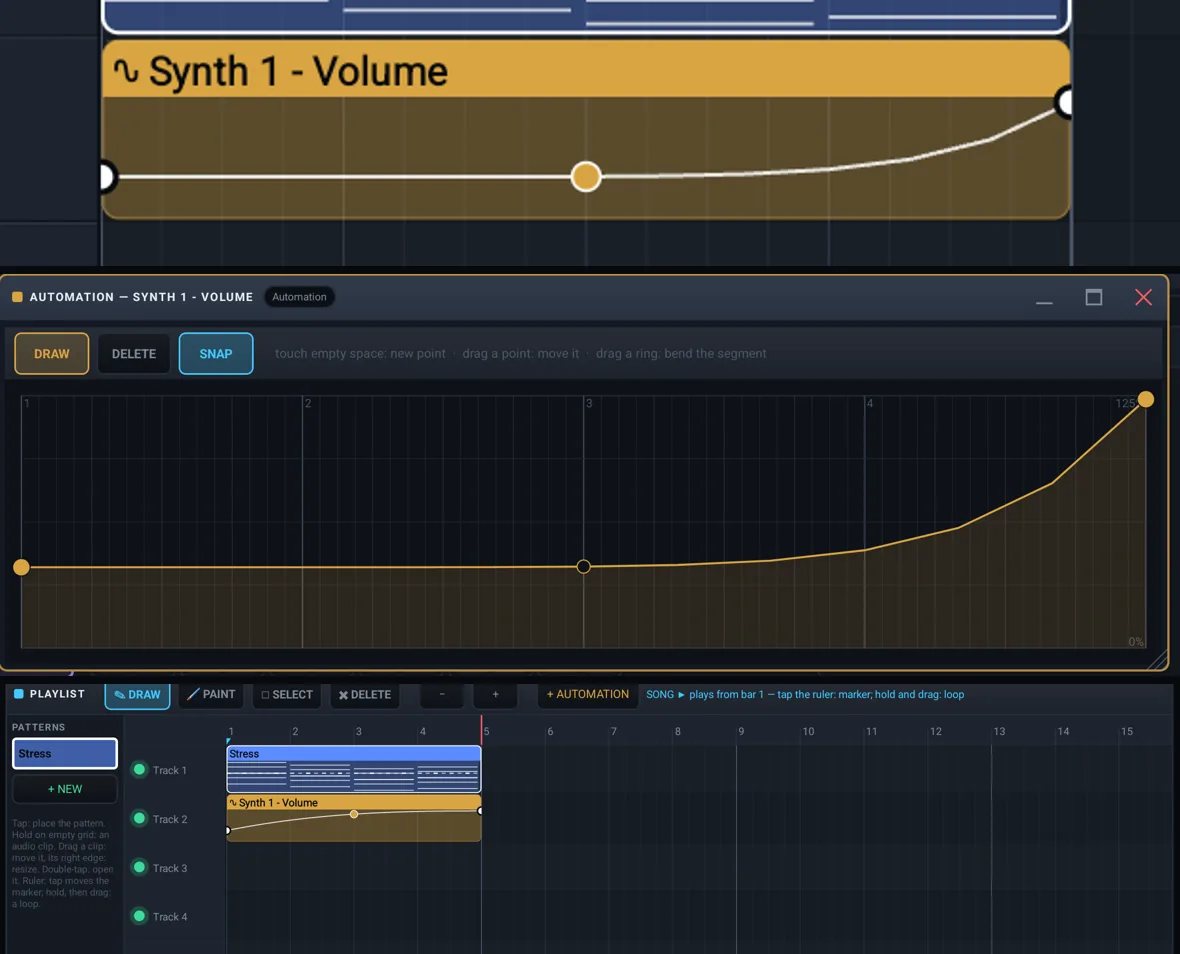
- Automation clips. Draw a line, and SynthB moves a control along it while the song plays.
You can mute tracks, start SONG playback from a marker on the ruler and seek anywhere. When the song is finished, export it to a WAV file. The export renders faster than real time, and it sounds the same whatever was playing when you pressed export.
Automate anything
An automation clip can drive:
- a channel's volume or pan,
- a send level, a strip's stereo width or an effect slot's dry/wet mix,
- any parameter of an instrument, such as filter cutoff, wavetable position or an FM operator level,
- any parameter of an insert effect, such as delay feedback or reverb size.
Each point carries a curve for the segment after it. Bend it for a slow swell or a sharp drop. While the song plays, the knob on screen follows the automation, so you can always see what it is doing.
Next: mix it
Once the song is arranged, the mixer is where it starts to sound finished.