
Sample anything. Chop a loop where it hits.
The sampler plays one sound across the keyboard. The slicer cuts a loop into pieces and puts one piece on each key. Both take a recording from the microphone or any audio file on your tablet.
Getting sound in
- Record with the microphone. Tap to start, tap to stop. Quiet takes are normalised, so a recording from a tablet's mic is loud enough to work with.
- Import a file in WAV, MP3, M4A, FLAC or OGG through the Android file picker. SynthB keeps its own copy and reads nothing else on your device.
- Use the built-in kit. The SynthB Kit pack of drum sounds loads as sampler channels.
The sampler
Load a sound and play it across the keys, pitched from its root note. Playback is interpolated from pre-filtered copies of the sample. A sound pitched up two octaves stays clean instead of folding into harsh aliasing, and measured tracking is within four cents across three octaves.
Audio clips in the playlist are sampler channels too. Each clip is one note that plays the sound, and you can start playback in the middle of one.
The slicer: chop by hits or by hand
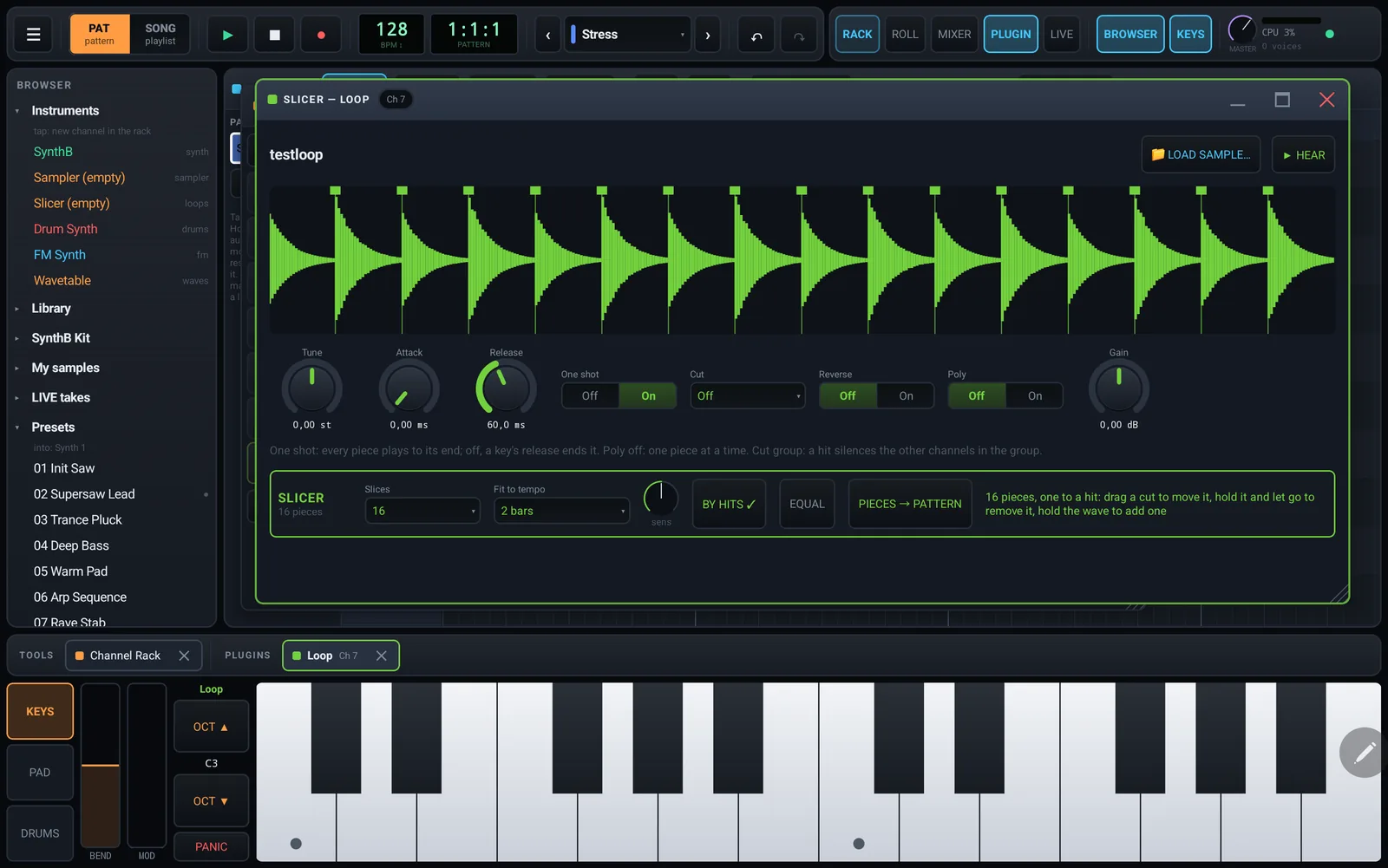
Load a drum break or a vocal loop and slice it:
- Equal parts: the classic way to chop a breakbeat.
- By hits: SynthB looks for where each hit starts and cuts there. The sensitivity knob decides how small a hit counts.
- By hand: drag any cut to where you want it.
Each slice lands on its own key, starting from C4 (C5 in some other DAWs). Play the slices back in a new order from the piano roll and the break becomes your own beat.
Samples inside the synth
The SynthB synth can also use a sample as an oscillator, either played straight or as a granular cloud. That way it goes through the ladder filter, envelopes, LFOs and arpeggiator. The wavetable synth can build a whole wavetable out of one.
Your sounds stay yours
Recordings are saved in the app's private storage and never uploaded. SynthB has no internet permission at all.