A parametric EQ you can see and touch
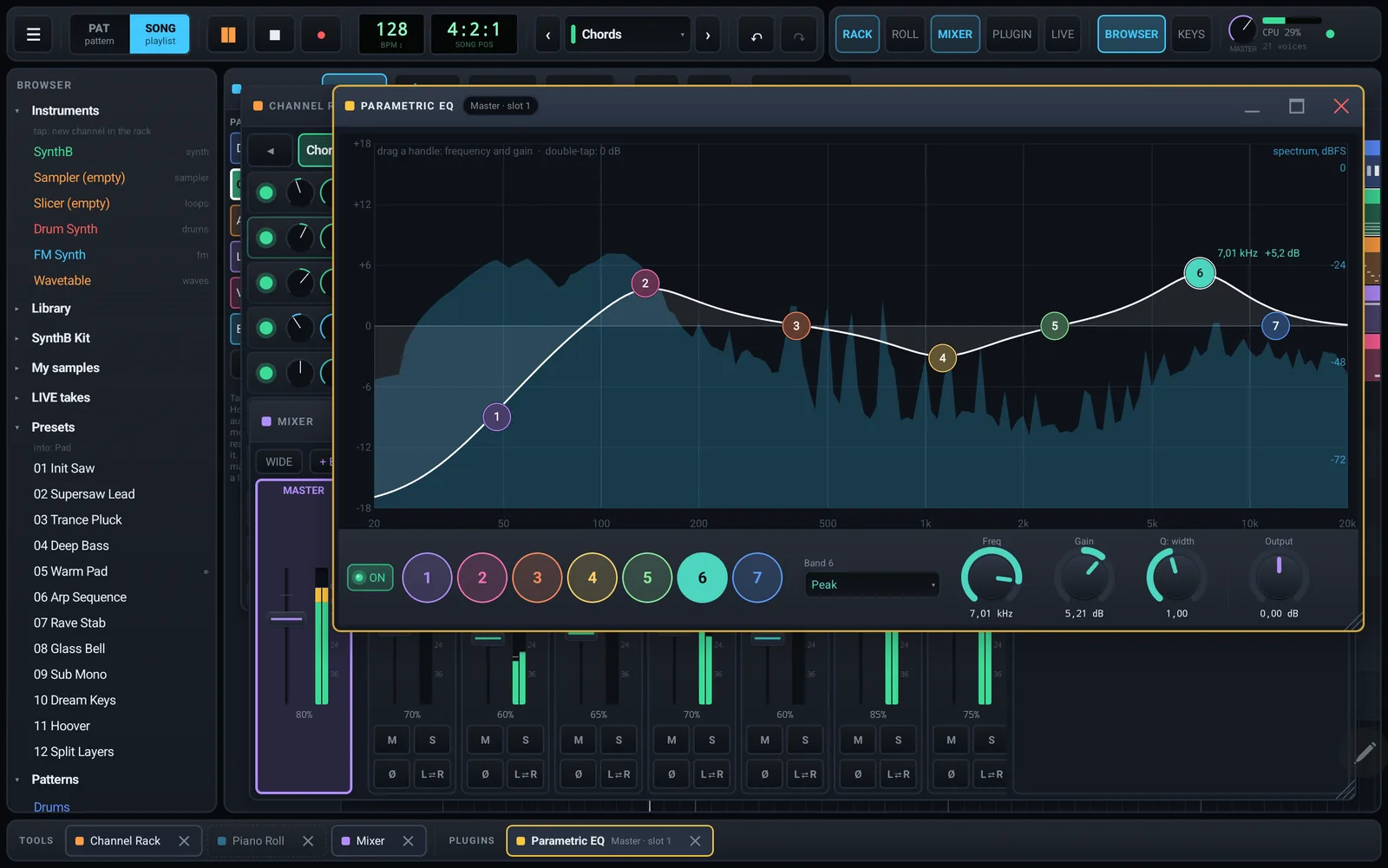
EQ is where a mix gets clear. SynthB's parametric EQ draws its curve over a live spectrum of the sound passing through it, so you can see the boomy low-mids before you cut them.
Drag the band, not a knob
Each band is a handle on the graph. Drag it sideways for frequency and up or down for gain, with one finger, the S Pen or a mouse. The curve is computed by the engine itself, so what you see is exactly what the filter does. A drag that moves two parameters still counts as a single undo step.
A live spectrum
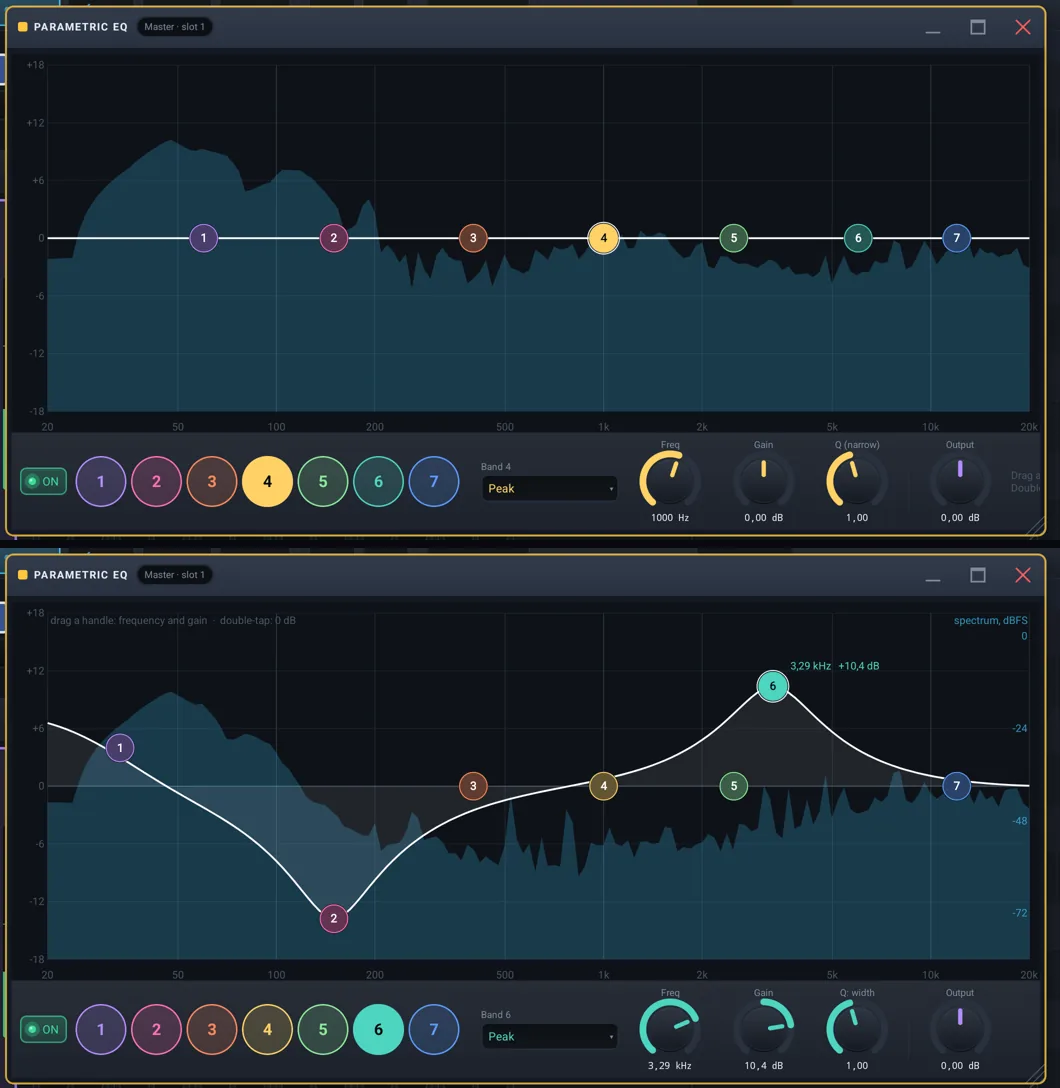
Behind the curve, the EQ shows the spectrum of its last 4096 output samples, updated as the music plays. Solo a strip and you can see where a kick's fundamental sits, where a pad masks the vocal, or where a resonance rings.
Anywhere in the mixer
The parametric EQ is one of fifteen effects and can go in any of the eight insert slots on any channel, any bus or the master. Each slot has a dry/wet mix, and you can automate any EQ parameter. A slow sweep of the low cut is the classic build-up move.
Five EQ moves that fix most mixes
- Cut the low end from everything that is not kick or bass.
- Find the kick's fundamental and give the bass a small dip right there, or the other way round.
- Take a little out of 200–500 Hz on pads and keys to clear up mud.
- Boost presence with a wide band, not a narrow one.
- Use a narrow cut to tame a single harsh resonance, then bypass the EQ to check you made it better.
And a multiband compressor
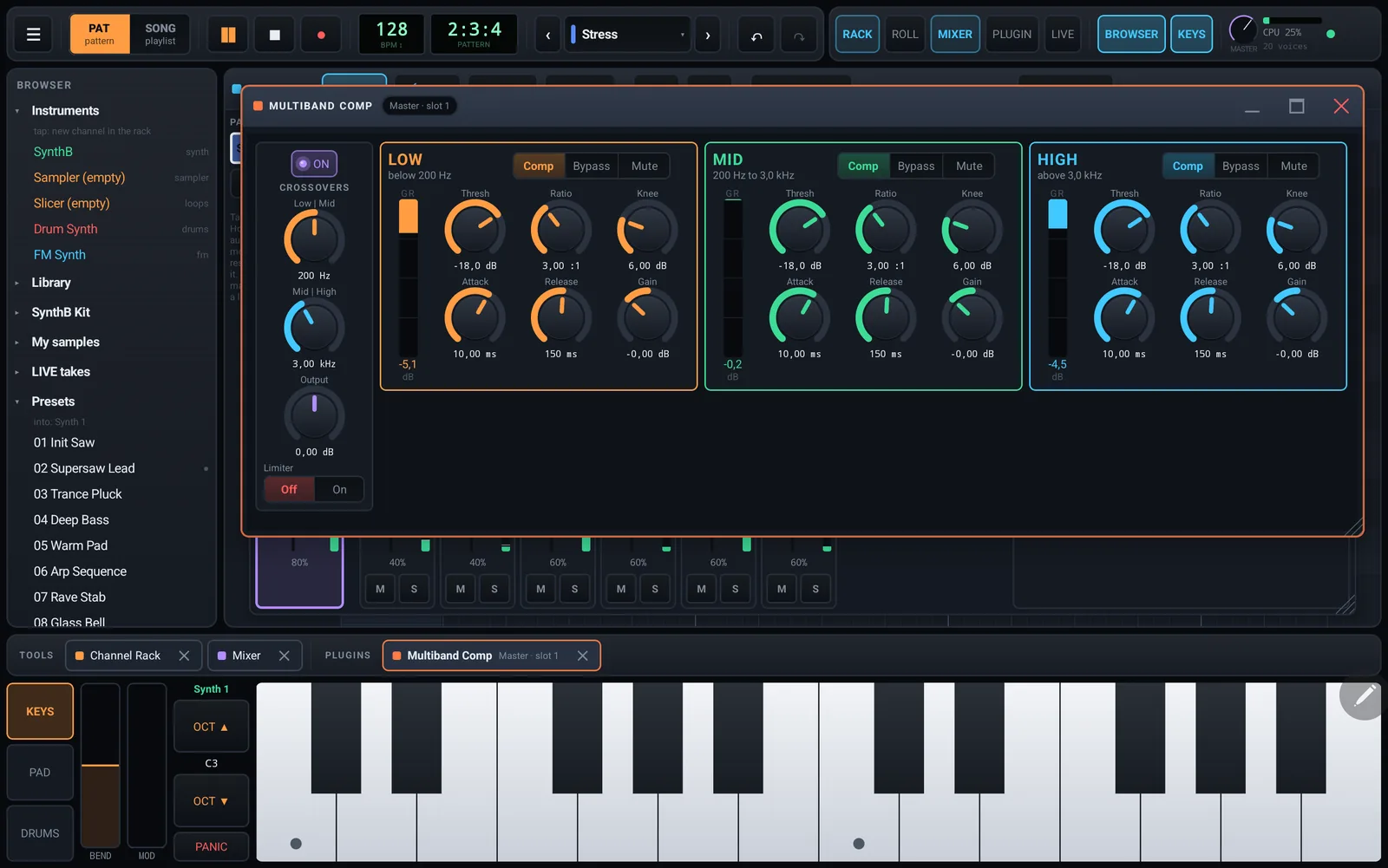
Next to the EQ sits a three-band compressor with a gain-reduction meter per band. Use it to tame the lows of a bass without squashing its top, or to glue the master. It is covered in Mixer and effects.