
Music production on a Samsung Galaxy Tab
The Galaxy Tab S series is the most common Android tablet among producers, and SynthB was built and tuned on one, a Tab S8+. Here is how to set one up so it behaves like an instrument.
Headphones: wired or USB-C
Bluetooth adds a delay of its own, usually far more than the app's, and no setting removes it. Use it for listening, not for playing. For playing, use wired headphones through a USB-C adapter or a USB-C audio interface. Most class-compliant interfaces work on Android without drivers.
Settings that prevent crackles
- Turn off power saving while you make music. It caps the CPU, and a capped CPU misses audio deadlines.
- Keep the tablet cool. A hot tablet lowers its own clock speed. Take it out of a thick case for long sessions, and avoid charging and producing in direct sun.
- Close heavy apps in the background, especially games and video editors.
- Keep SynthB in front. Android moves background apps to the slow cores, so SynthB fades its audio out when you switch away instead of crackling.
Why the engine matters on Samsung tablets
Galaxy Tabs have a mix of slow, efficient cores and fast ones. Android often schedules an app's audio thread on the slow cores. On a Tab S8+ that took a ten-voice pad from 15% of the audio budget to 71%, and that is the difference between clean audio and crackles. SynthB pins its audio to the fast cores. It also keeps those cores clocked up while a heavy project plays, because the CPU governor cannot react within a 4 ms block.
The S Pen in a piano roll
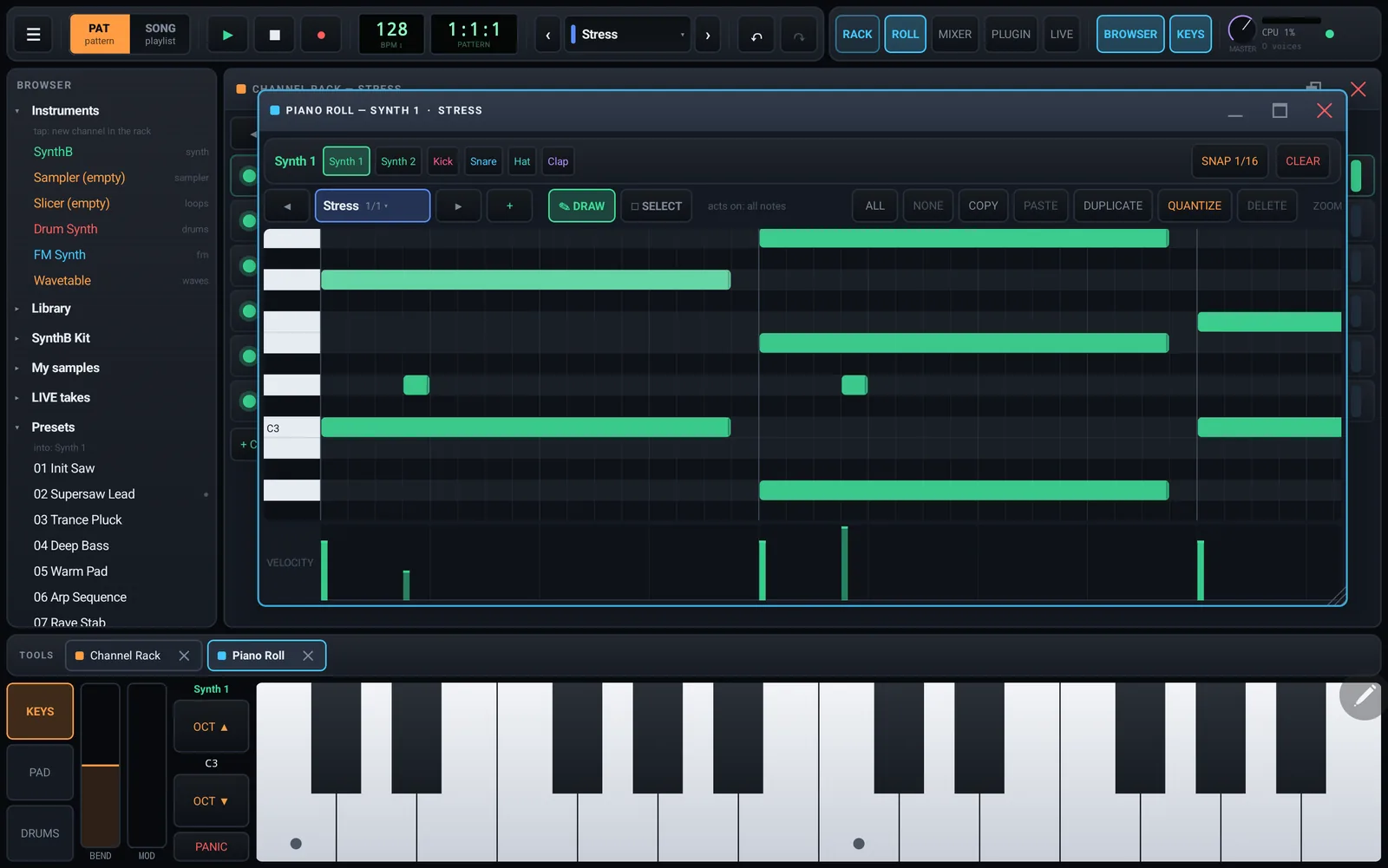
The S Pen is one of the best reasons to make music on a Galaxy Tab. In SynthB's piano roll the pen shows where a note will land before it touches the glass, so placement is exact even at high zoom. Drawing automation curves with a pen is easier than with a mouse.
Keyboard, mouse and MIDI
A Bluetooth or USB mouse gets right-click, wheel and hover in SynthB. For playing, a USB MIDI keyboard is the upgrade that matters most. See the MIDI keyboard guide.
Which Galaxy Tab?
Any recent Tab S model has enough power for a full song with several synths. Screen size is a bigger choice than the chip: the + and Ultra models fit the rack, piano roll and mixer side by side. SynthB runs on any Android tablet with Android 8.0 or later, and it is tuned on the Tab S8+.
Battery
Real-time audio keeps the fast cores busy, so a heavy project uses more power than video playback. For long sessions, plug in, but watch the heat. A USB-C hub with power pass-through lets you charge, use MIDI and listen at once.
Made on a Galaxy Tab, for Galaxy Tabs
Every number on this site was measured on a real Tab S8+, not estimated.