
Finger, pen, mouse or keyboard. Use what you have.
A tablet DAW should not force one way of working. SynthB is designed for fingers, takes the S Pen and a mouse seriously, and plays any USB MIDI keyboard.
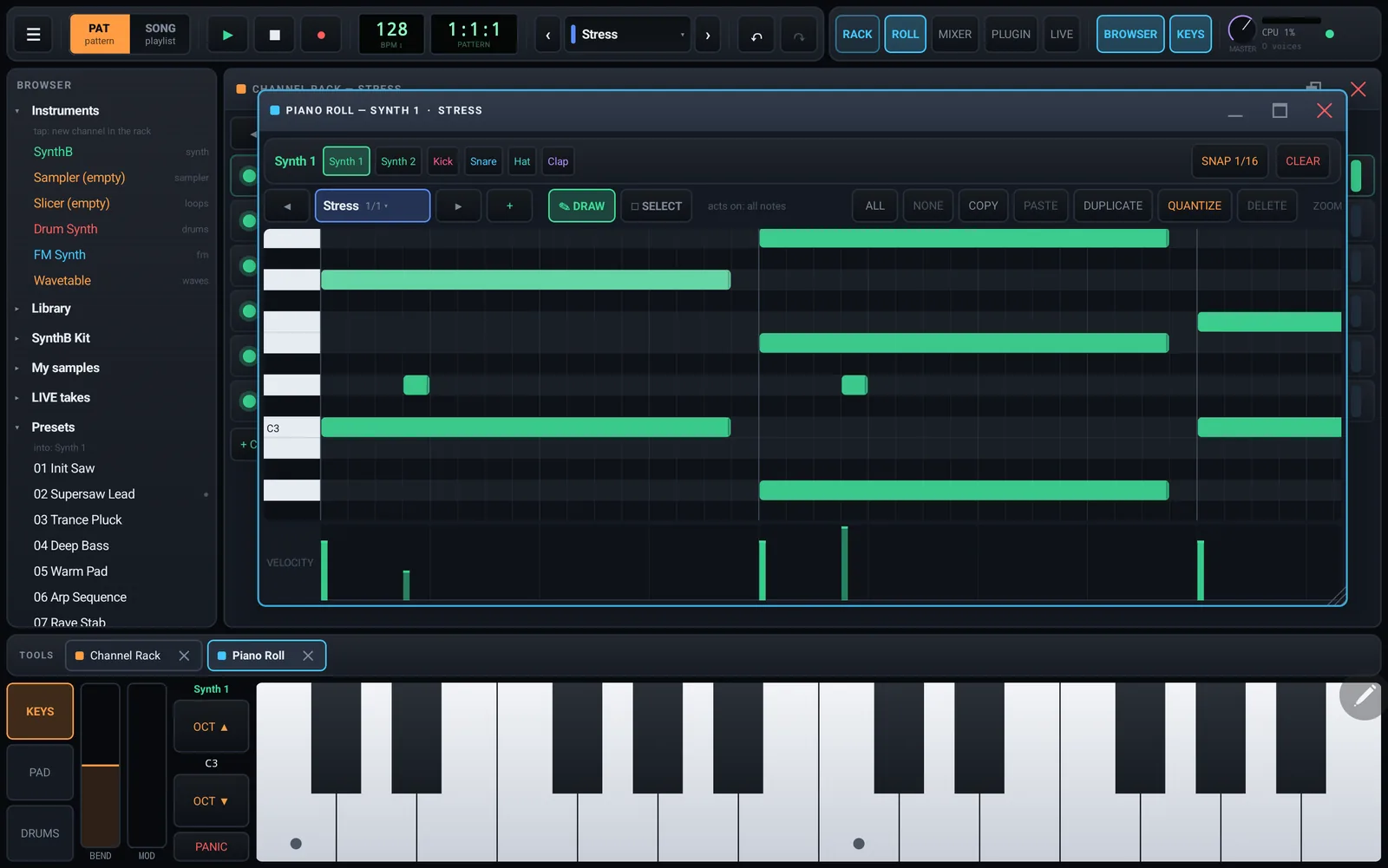
Touch
- Multi-touch keyboard for chords, glissandi and sliding between keys. Velocity comes from how far down the key your finger lands.
- One to four octaves on screen. Two octaves at tablet width are about 17 mm a white key, like a mini keyboard.
- Pads and a drums layout in the keyboard drawer, playing whichever channel is selected.
- Pitch bend that springs back and a mod wheel that stays put, with PANIC to release every note.
- Knobs: drag up or down, and slide your finger away from the knob for finer steps, so you can land a filter sweep exactly. Double-tap resets.
S Pen
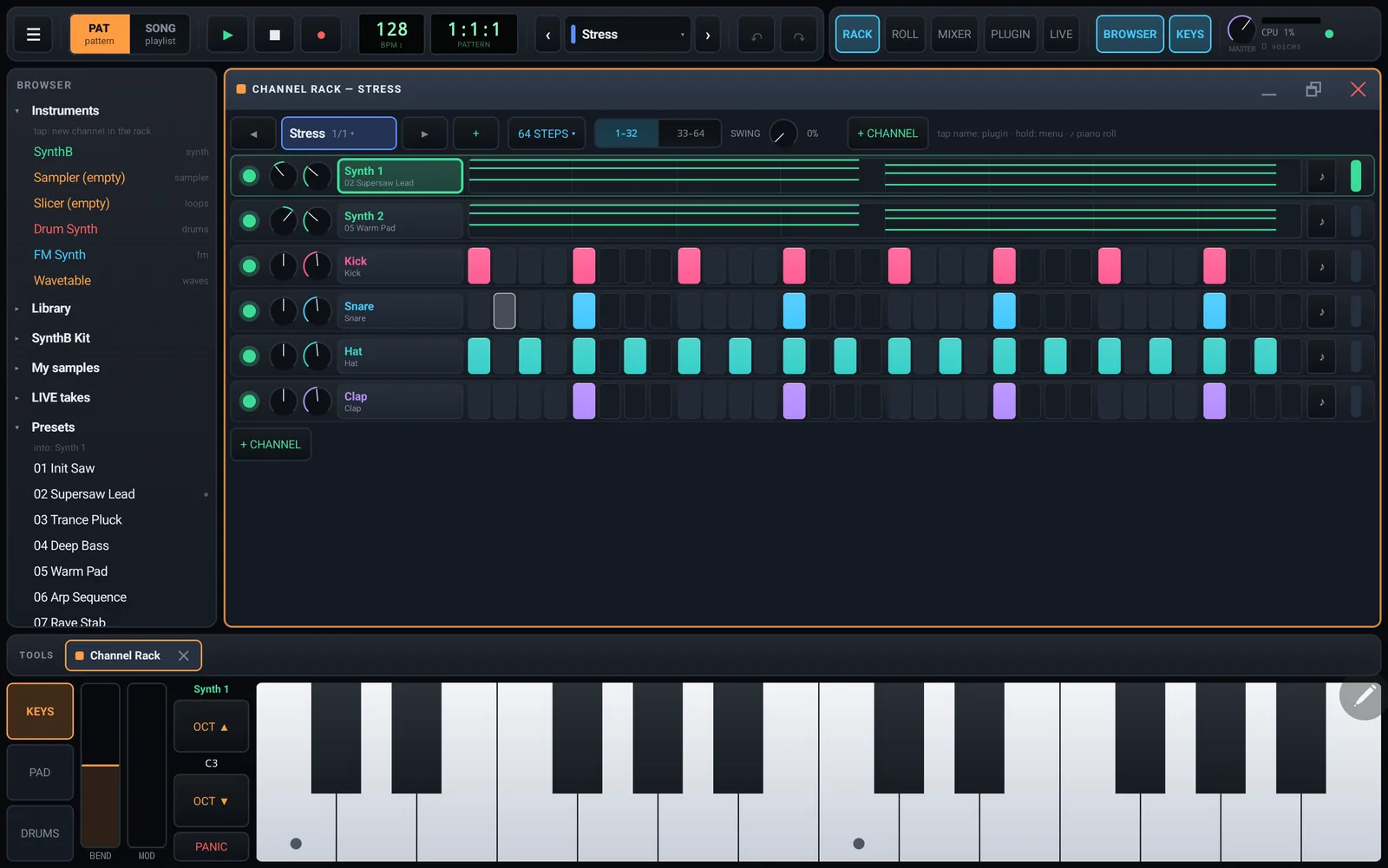
Hover the pen over the piano roll or the step rack and SynthB shows where the note or step will land before the pen touches the glass. That makes placement exact at any zoom, and drawing automation curves with a pen feels natural.
Mouse
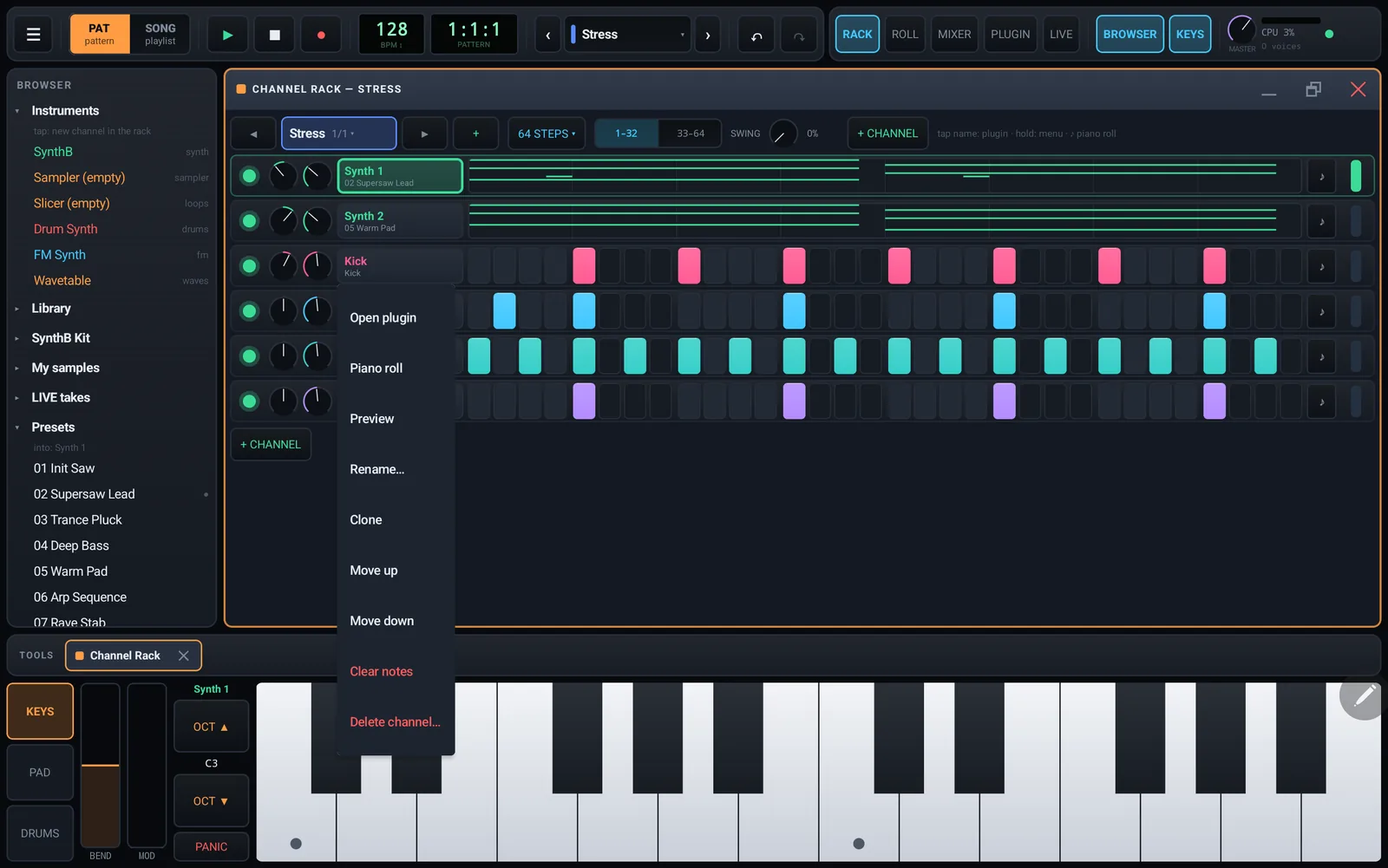
Connect a Bluetooth or USB mouse and SynthB treats it like a desktop DAW does: right-click for context menus, the wheel to scroll and zoom, and hover highlights.
USB MIDI
Plug in any class-compliant USB MIDI keyboard or controller, even while the app is running. Notes, velocity, pitch bend and the mod wheel go to the selected channel. The MIDI keyboard guide covers cables and power.